Your messages sync in
Email over IMAP and OAuth, plus iMessage, Slack, Telegram, and Discord — into a local database on your computer. Nothing is uploaded anywhere.
 SwarmMarshal
SwarmMarshal is a full mail and chat client — Gmail, Outlook, iMessage, Slack, Telegram, Discord — with an assistant that answers questions from your real messages. “What did the contractor quote me last fall?” gets the answer and the original email. All of it on your machine.
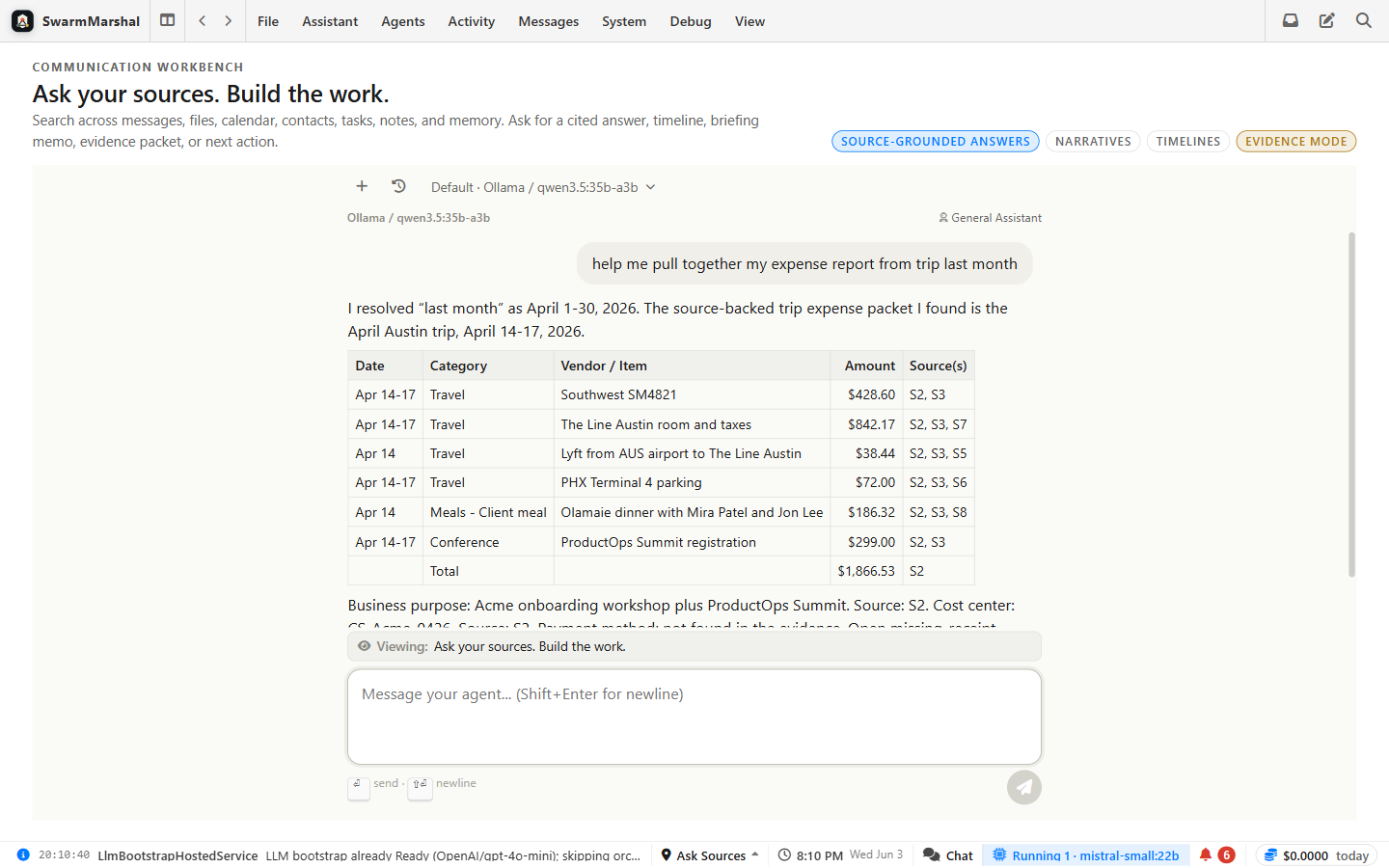
Email and chat go in. Answers, timelines, briefings, and a clean inbox come out.
A chatbot starts every conversation knowing nothing about you. SwarmMarshal does the opposite: it turns your own messages into durable knowledge, keeps it on your machine, and hands the right slice to the AI at the right moment.
Email over IMAP and OAuth, plus iMessage, Slack, Telegram, and Discord — into a local database on your computer. Nothing is uploaded anywhere.
As messages arrive, a background pipeline pulls out the durable stuff: people, companies, commitments, deadlines, decisions. Every fact keeps a link to the message it came from — nothing is asserted without a source.
When you ask, hybrid keyword + semantic search selects the relevant messages and facts — not your whole life, just the slice that question needs.
Whichever AI you chose — local or cloud — answers only from that grounded context and cites its sources. If the record doesn't contain the answer, it says so instead of guessing.
You never re-explain who Acme is or dig up the thread yourself. The context compounds on your machine the longer you use it — and every answer can be audited by clicking through to the original message.
Because the knowledge lives with you, not the vendor, you can point it at a new model the day it ships — local or cloud — and it answers like it has known you for years.
Captured from a real profile, not a concept deck.
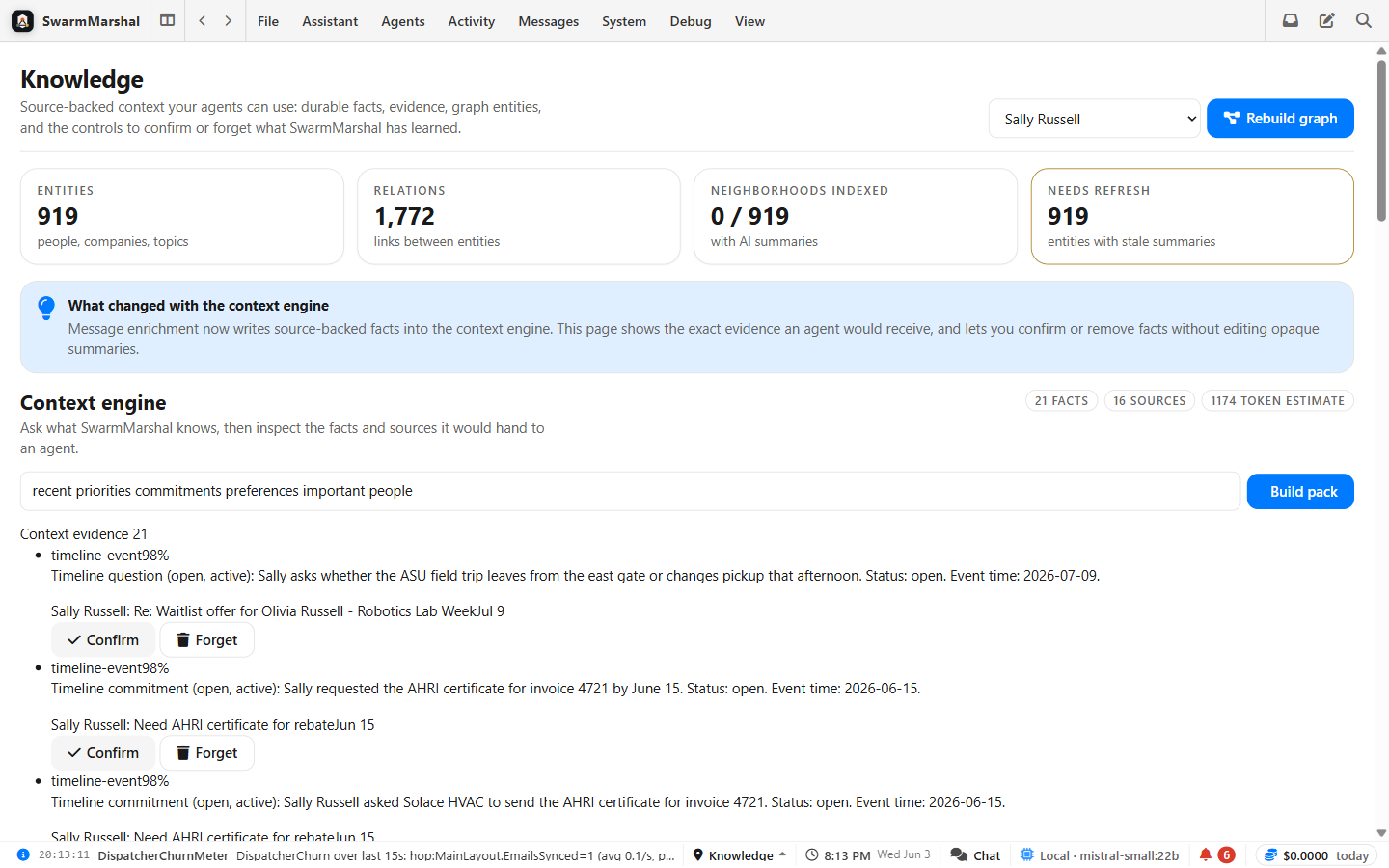
People, promises, decisions, and relationships extracted from your own history — each fact linked back to the message it came from.
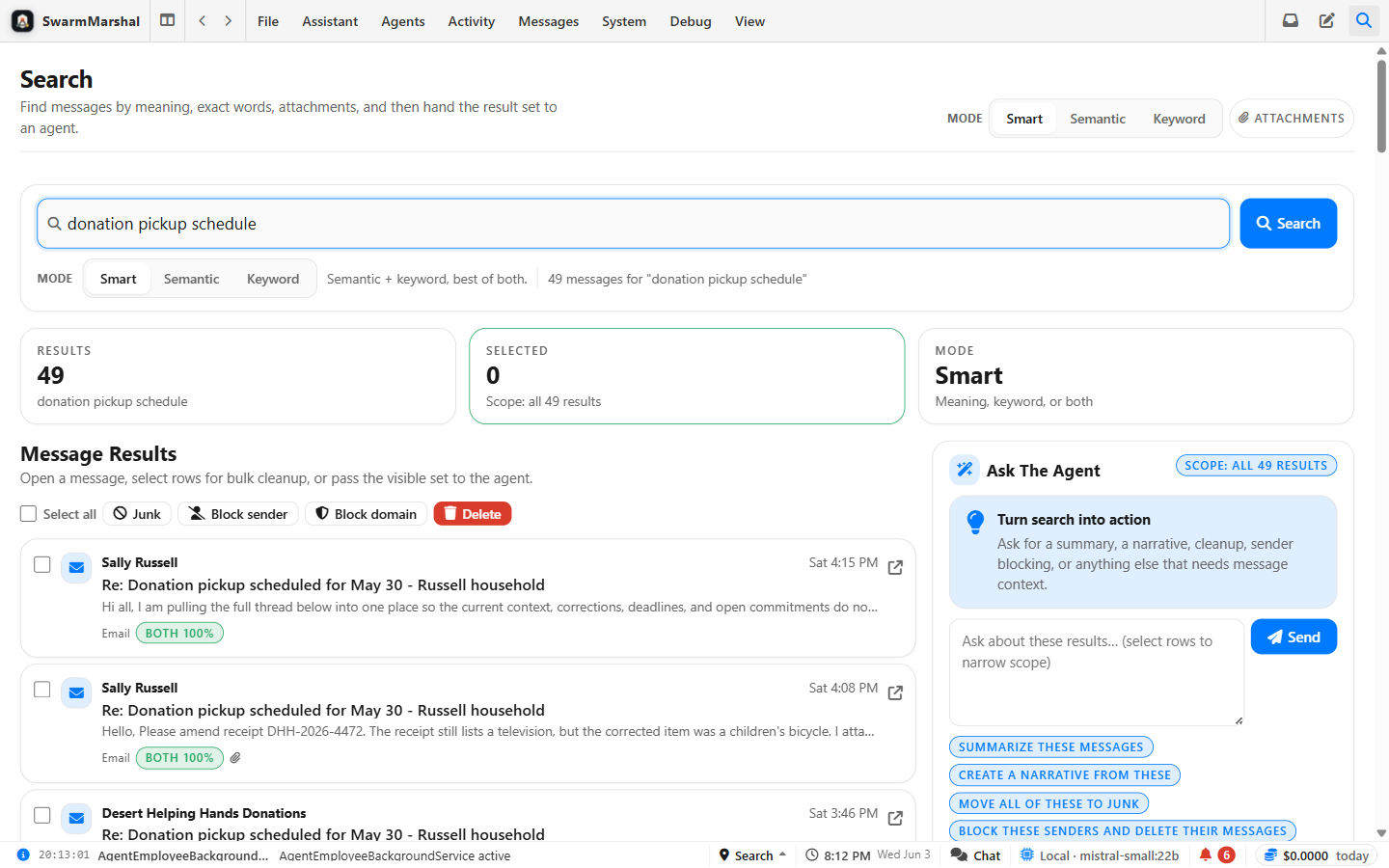
Semantic and keyword search across every channel — find the message even when you don't remember the exact words.
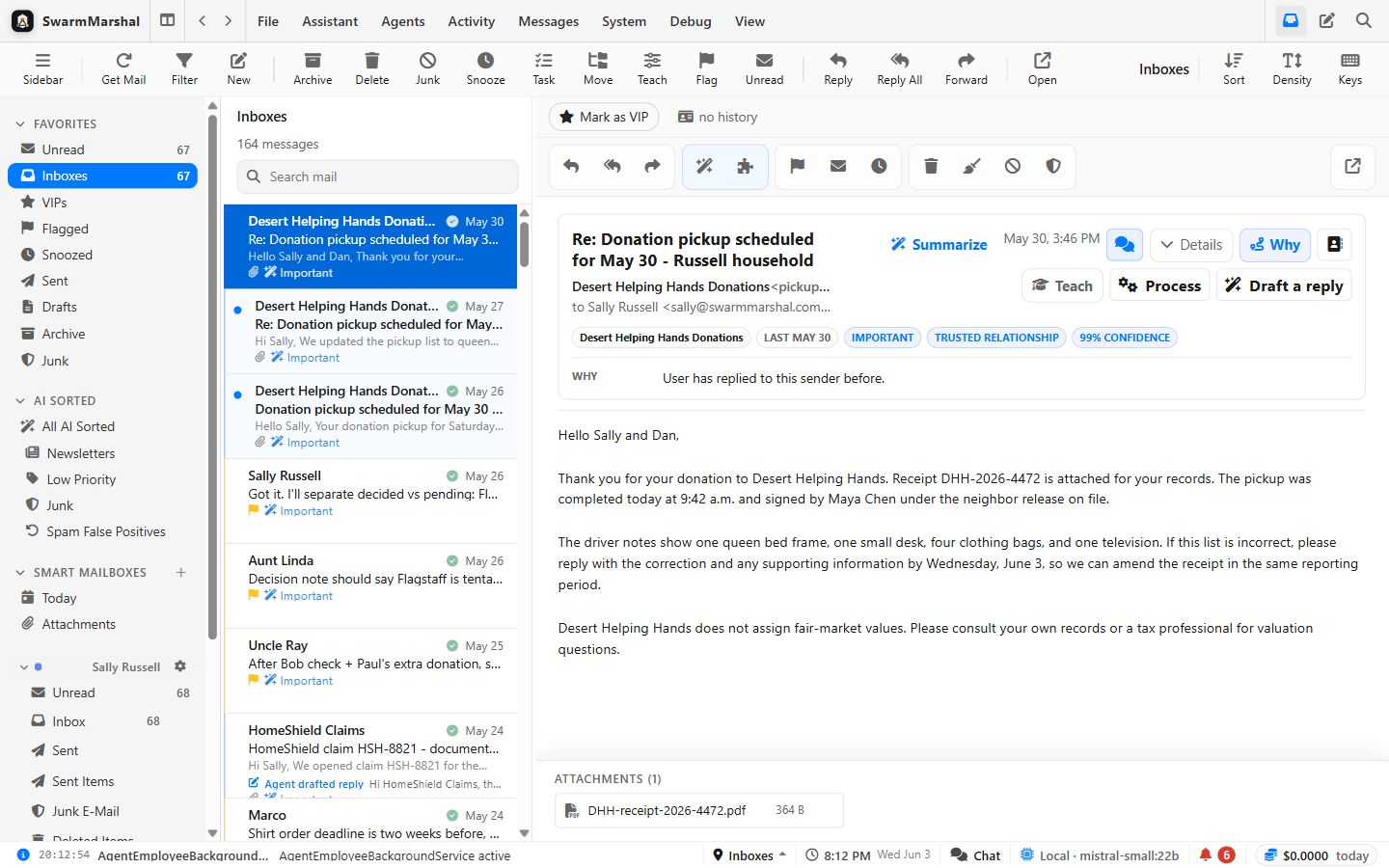
Email, iMessage, Slack, Telegram, and Discord in one clean client. Everything it touches becomes searchable history.
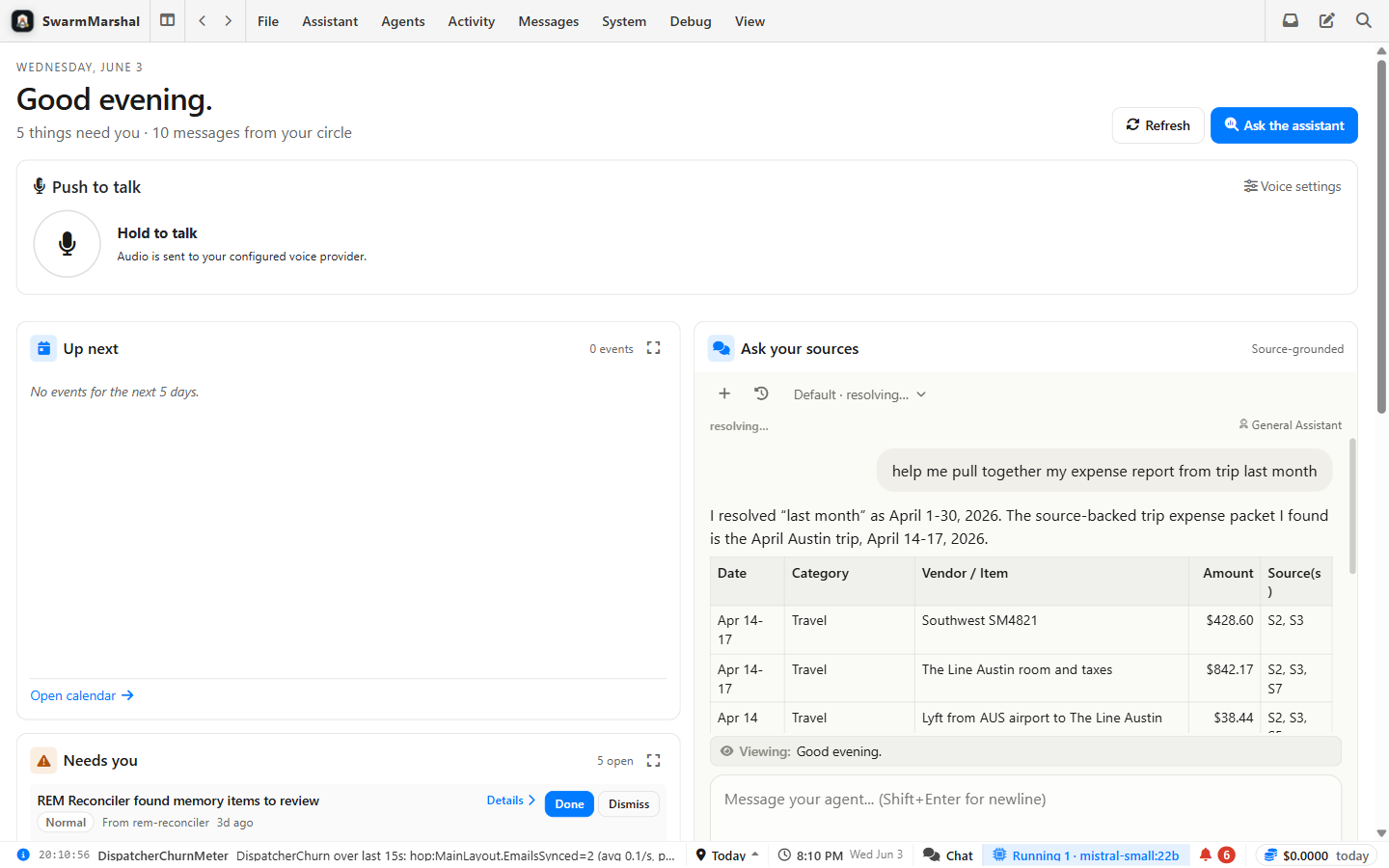
The Today dashboard: what changed, who's waiting, deadlines, and what needs attention — with sources behind every fact.
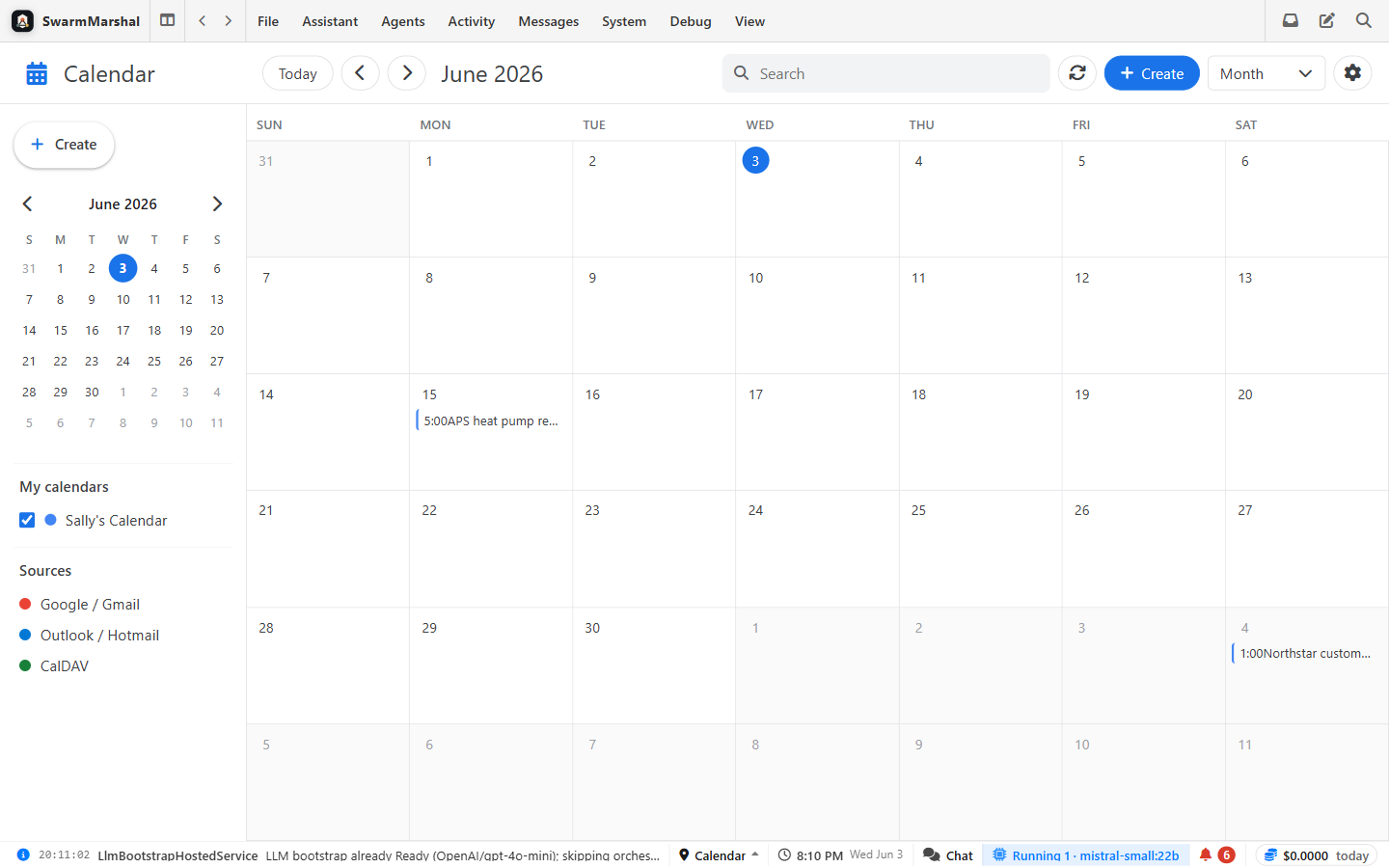
Google and Microsoft calendars, plus deadlines and promises pulled from email — still linked to the original message.
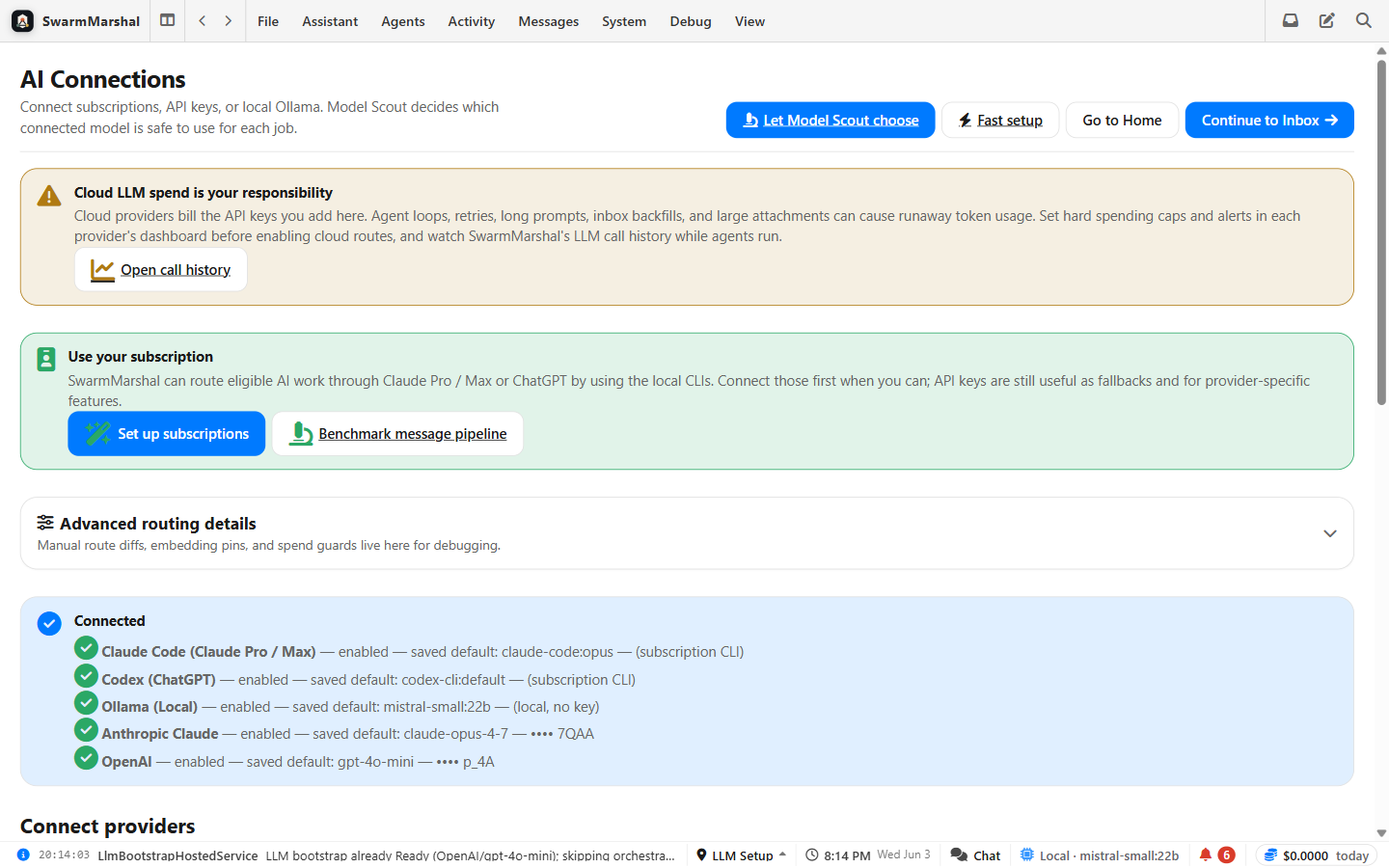
Local models via Ollama or LM Studio next to cloud keys. Per-task routing, budgets, and a fully local option.
Your mail — and the knowledge built from it — stays on your machine. Each task goes to the right AI: a free local model for the routine and the private, a bigger model only when you say so.
Every AI job in the app — sorting, extraction, search, even the assistant — can run on a free local model through Ollama or LM Studio. No cloud key required, ever.
Every AI call carries a privacy class. Work pinned local-only can never fall back to a cloud model — if no local model is available, it stops and tells you rather than quietly sending data out. Subscription CLI routes like Claude Code don't count as local, and the router knows it.
Monthly budgets, a hard spend guard, and a message pipeline that prefers $0 routes — paying per message for routine mail processing is off unless you explicitly turn it on.
It gets more interesting under the hood.
Model Scout runs calibration suites — built from the app's real production prompts — against the models your machine can actually hold. Routing preferences are gated on those scores, fail-closed: an unproven model doesn't silently take over your mail pipeline.
Local benchmarks →Point Claude Code, Codex, or any MCP-capable agent at your communication history. Your agent gets the same source-grounded search and context packs the built-in assistant uses — behind an explicit approval gate.
The MCP surface →Message pipeline, knowledge graph, context engine, routing, and the trust model — written up properly for people who want to verify the claims rather than take our word.
Technical white paper → Architecture overview →The fastest honest test of whether this is real:
Gmail, Microsoft, or IMAP — the OAuth walkthrough takes a few minutes, and the first sync starts immediately.
“What did the plumber quote me?” “When does my lease renew?” Then do the thing no chatbot lets you do: click the citation and read the original message behind the answer.
Flip the assistant to a local model via Ollama and ask again. Same context, same citations, zero cloud. That swap is the whole thesis in one click.
Every answer links back to the real message. Your data stays on your machine.