Messages arrive
Mail, chat, Apple Messages, and work updates flow into the inbox.
 SwarmMarshal
An agent is not a robot taking over your life. It is a supervised helper with a job: read the incoming mess, notice what matters, prepare the next step, and ask you before doing anything consequential.
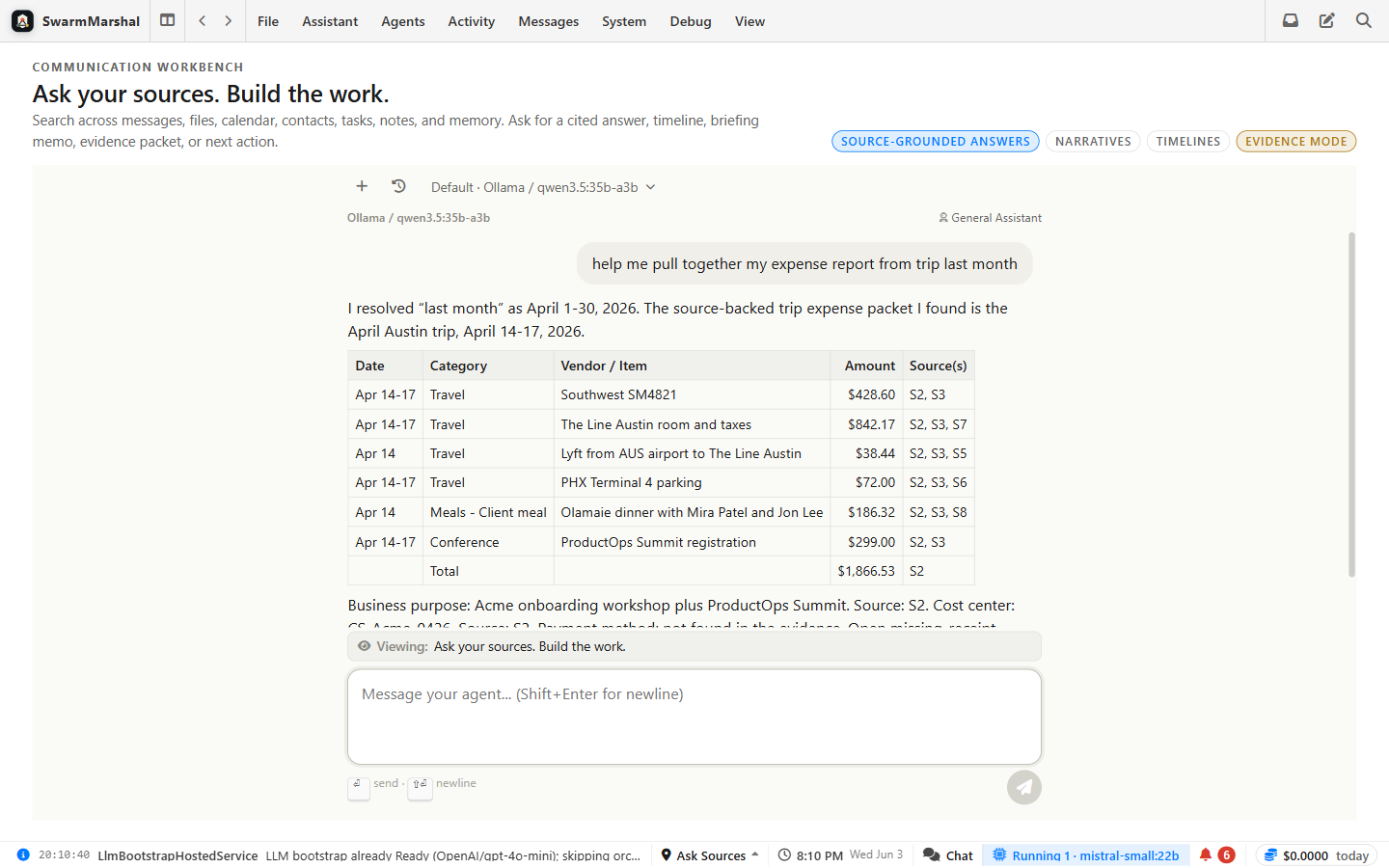
Mail, chat, Apple Messages, and work updates flow into the inbox.
They look for urgency, people, promises, dates, and useful context.
Summaries, drafts, tasks, searches, and suggested rules are created.
Policy gates keep sends, deletes, and recurring changes in your review flow.
Each agent has a role, like a careful assistant who knows the difference between preparing work and making decisions for you.
Shows you what actually needs attention before the day starts running you.
Writes the boring first version so you can edit instead of starting from a blank box.
Turns loose promises into reminders, tasks, and calendar-aware next steps.
Keeps newsletters and repeat clutter from crowding out the people you care about.
Remembers who someone is, what was promised, and where the last conversation left off.
Looks things up in approved tools so replies are based on real information, not guesswork.
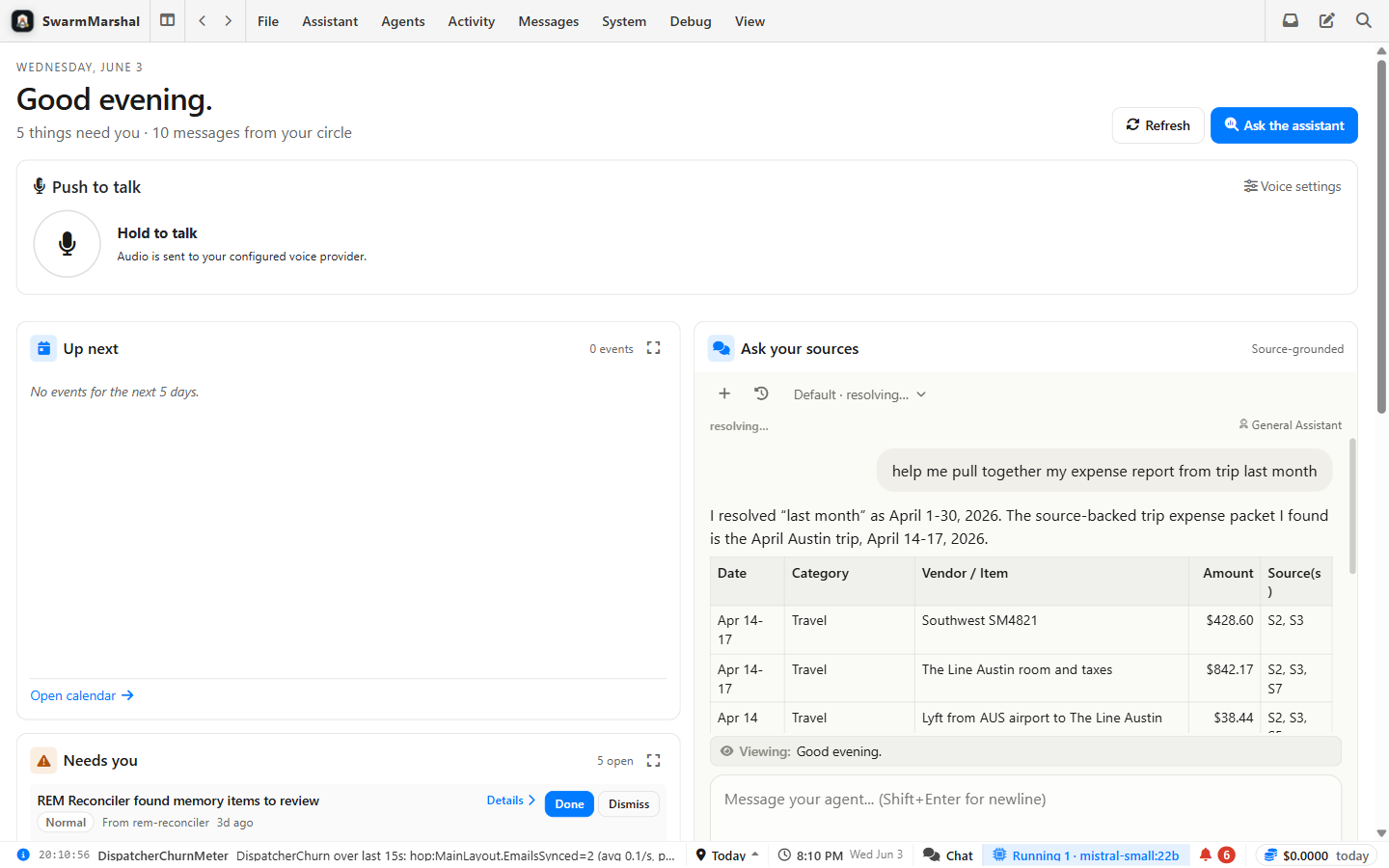
The team dashboard keeps agents visible: online status, recent reports, pending proposals, and where they are blocked.
When an agent needs a tool or approval, the request appears in the conversation so you can understand the action before saying yes.
A helper has a name, a narrow role, the sources it's allowed to read, and a visible activity log. You set the job, review what it prepares, and decide what it may do on its own — which starts at "draft only, nothing sends."
The magic is less magical when you can see the safety rails.
The agent can prepare, but you approve high-stakes actions.
A support agent and a household admin agent can have different permissions.
Good answers point back to the messages or tools they came from.
Simple jobs can use cheaper or local models; harder writing can use stronger ones.
The inbox feeds the agents; the agents feed you a smaller set of drafts, reminders, summaries, and decisions.